01

Overview

One system to run everything.

IIMS (Integrated Institution Management System) is a purpose-built ERP platform designed for a large organisation managing complex, multi-layered operations. No off-the-shelf software could handle their workflows — so I built one that could.

The brief was broad: replace a patchwork of spreadsheets, WhatsApp groups, and disconnected tools with a single, unified web application that every level of the organisation — from ground-level staff to senior administrators — could rely on daily.

The result is a production-grade ERP system handling real-time program monitoring, multi-role user management, dynamic scheduling, task allocation, and deep administrative controls — all designed with the specific language and workflows of this organisation built in.

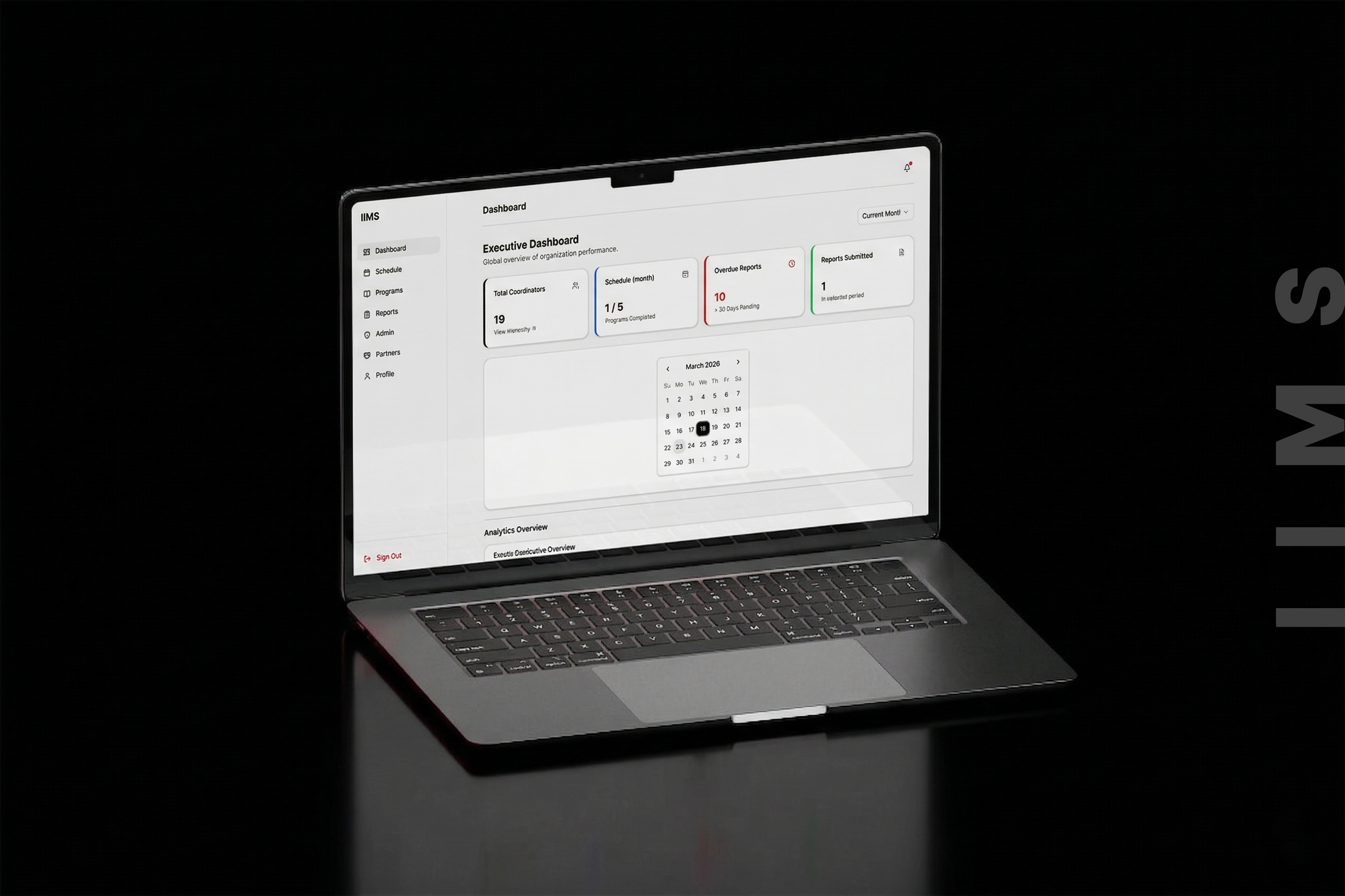
IIMS Executive Dashboard

02

On-Ground Research

I didn't design from assumptions.

Before a single wireframe was drawn, I embedded myself in the organisation. I spent weeks on-site — attending operational meetings, shadowing staff, interviewing administrators, and mapping every workflow by hand.

Most ERP failures happen because the software is built for how someone imagined an organisation works, not how it actually does. I made sure IIMS was different.

Finding 01: No single source of truth Critical programme data lived in at least 4 different places — spreadsheets, WhatsApp threads, paper registers, and people's heads. Decisions were being made on outdated information.

Finding 02: Scheduling was entirely manual Staff allocation and scheduling happened via verbal communication and handwritten rosters. Conflicts weren't caught until they became on-ground crises. No visibility for anyone outside the room.

Finding 03: Admin had no real-time visibility Senior administrators could only see programme status during physical inspections or end-of-day reports. Problems that started in the morning weren't flagged until the next day.

Finding 04: Task accountability gaps When tasks weren't completed, there was no audit trail. Responsibility was unclear, follow-up was inconsistent, and the same gaps were repeating across cycles because nothing was being tracked.

"The research phase completely changed what I was building. What I thought would be a reporting tool became a full operating system for the organisation."

— Pete Issac Abraham

03

The Challenge

Legacy chaos → unified clarity.

The organisation was not short on work ethic or expertise. What they lacked was infrastructure. Years of growth had left them with a fragmented operational stack that was actively slowing them down. Every workaround created two more problems.

Before IIMSAfter IIMS
Programme status known only through in-person visits or phone callsLive programme dashboards visible to authorised staff at any time, anywhere
Scheduling done on paper, prone to double-bookings and missed assignmentsDigital scheduling engine with conflict detection and calendar sync
No role-based access — everyone saw (or couldn't see) everything5-tier role-based access control — every user sees exactly what they need
Task assignments made verbally, no record of completion or accountabilityTask allocation system with assignment, acknowledgement, and completion tracking
Reports compiled manually at end of week, often incompleteAuto-generated reports, exportable at any time with full historical data
New staff had no structured onboarding — "ask someone who knows"Structured onboarding flows built into the admin panel
No audit log — when things went wrong, there was no trail to followFull audit trail — every action logged with timestamp, user, and context

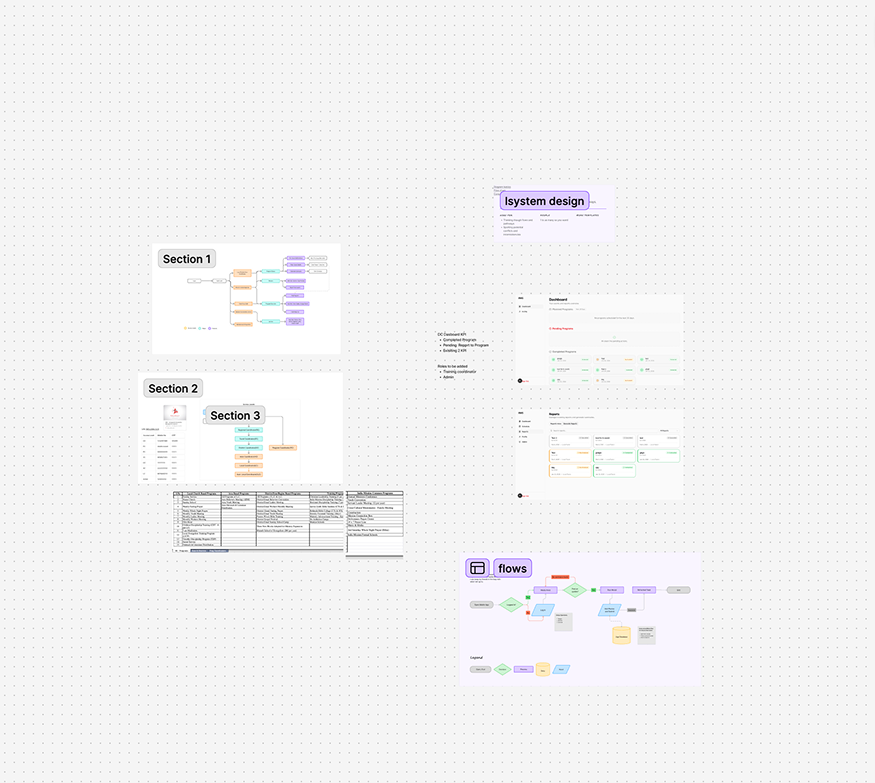
IIMS System Configuration

04

Core Modules

14 modules. One system.

Each module was scoped directly from the research findings — nothing was added speculatively. If a team didn't need it, it wasn't built. If they did, it was built to exactly their specification.

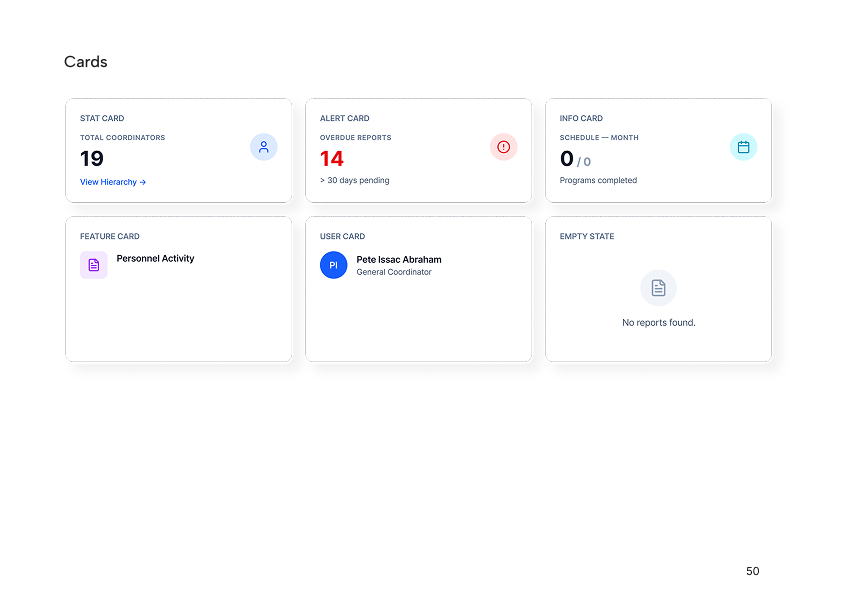
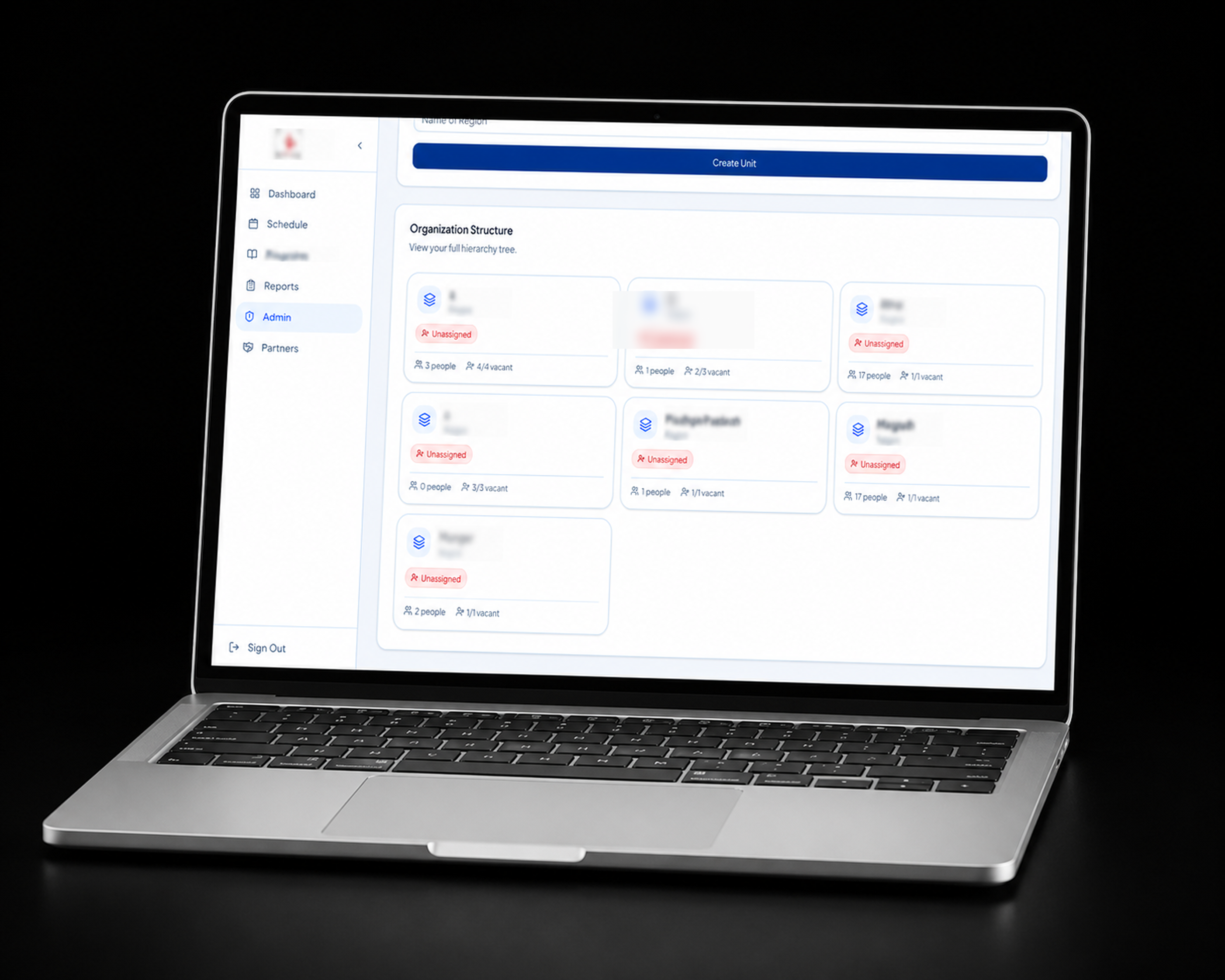
Module 01: Admin Management Super-admin controls for user creation, role assignment, permission management, and organisational hierarchy. Full audit trail on every administrative action.

Module 02: Real-Time Programme Monitoring Live dashboards showing active programme status, attendance, alerts, and key indicators. Refreshes automatically — no manual updates required.

Module 03: Scheduling Engine Dynamic scheduling with conflict detection, recurring event support, resource allocation, and calendar views by day, week, and month. Alerts for clashes before they become problems.

Module 04: Task Allocation Unit Assign tasks to individual users or groups with due dates, priority levels, and dependencies. Staff acknowledge assignments, log progress, and mark completion — all tracked in real time.

Module 05: Role-Based Access Control Five tiers: Super Admin, Admin, Manager, Staff, and Viewer. Each role sees a tailored interface — no irrelevant clutter, no accidental access. Permissions configurable per module.

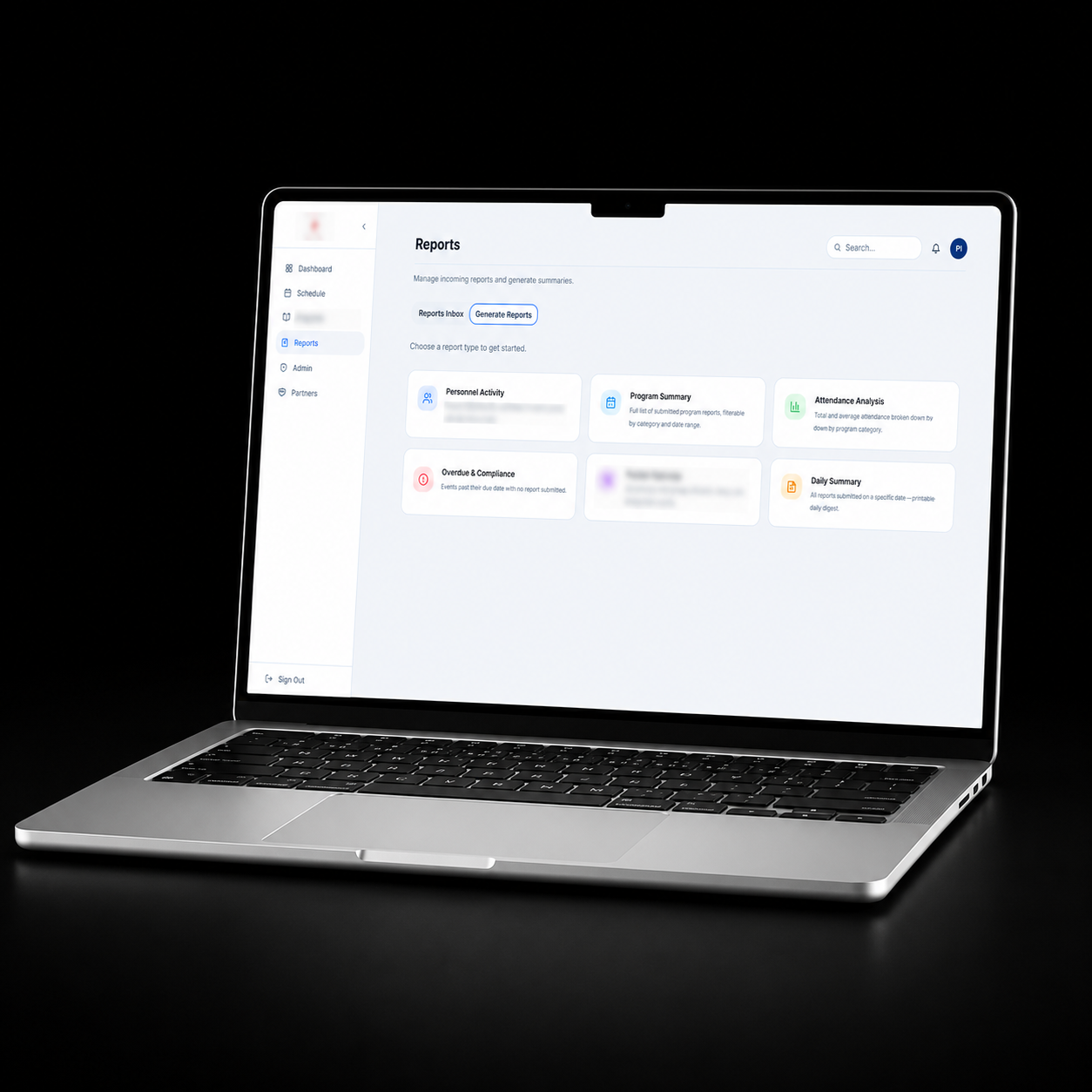
Module 06: Reporting & Analytics Auto-generated programme reports, staff performance summaries, and attendance analytics. Exportable as PDF or CSV. Historical data preserved and searchable indefinitely.

Module 07: Staff & Participant Records Centralised records for all staff and programme participants. Searchable, filterable, and linked to task history, attendance, and programme participation logs.

Module 08: Notification & Alert System In-app notifications and configurable alerts for task deadlines, schedule conflicts, programme anomalies, and administrative actions. Nothing falls through the cracks.

Module 09: Audit Log Every action in the system — creation, edit, deletion, login — is logged with timestamp, user identity, and context. Fully searchable. Non-deletable. Total accountability.
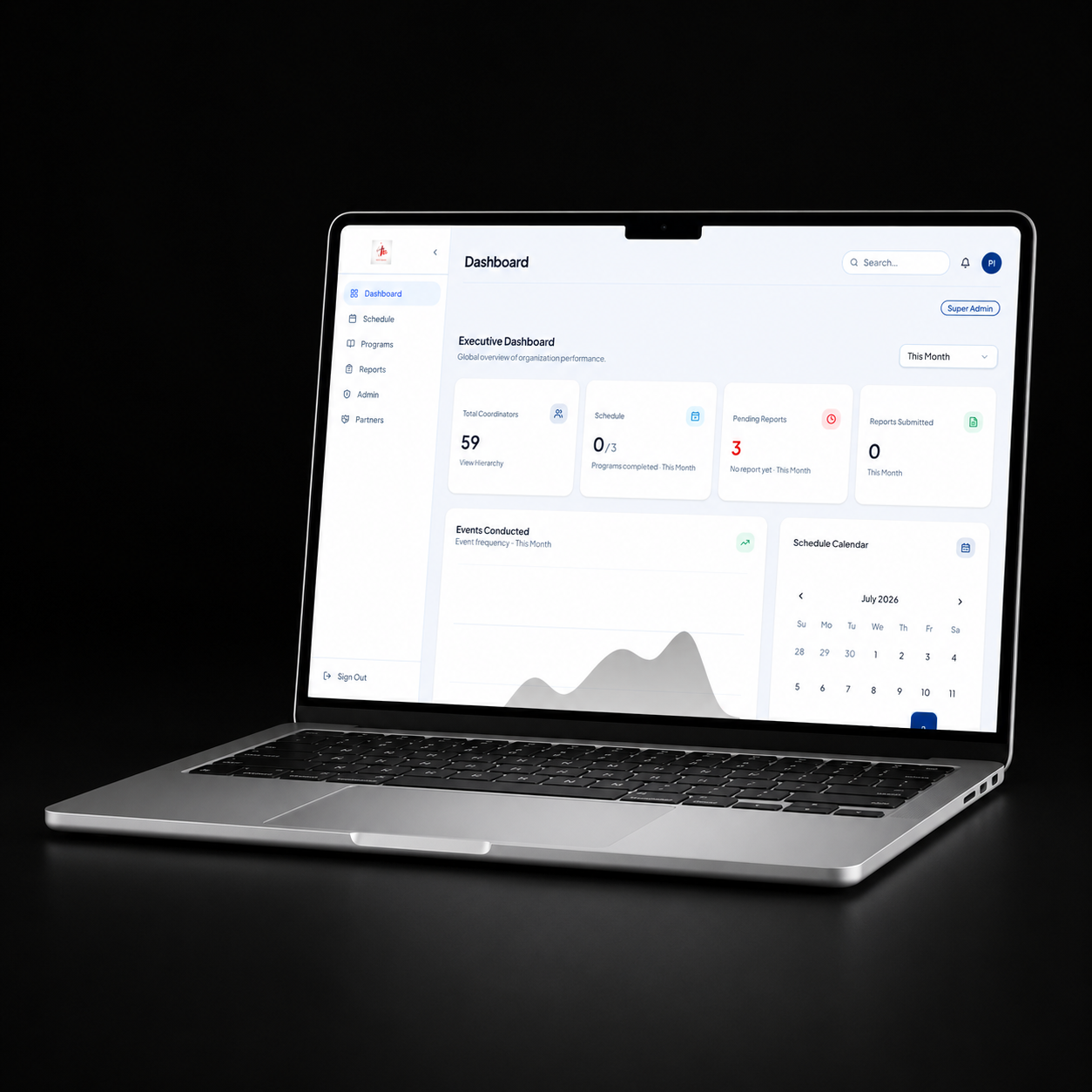
IIMS Partners Module

05

Feature Deep Dive

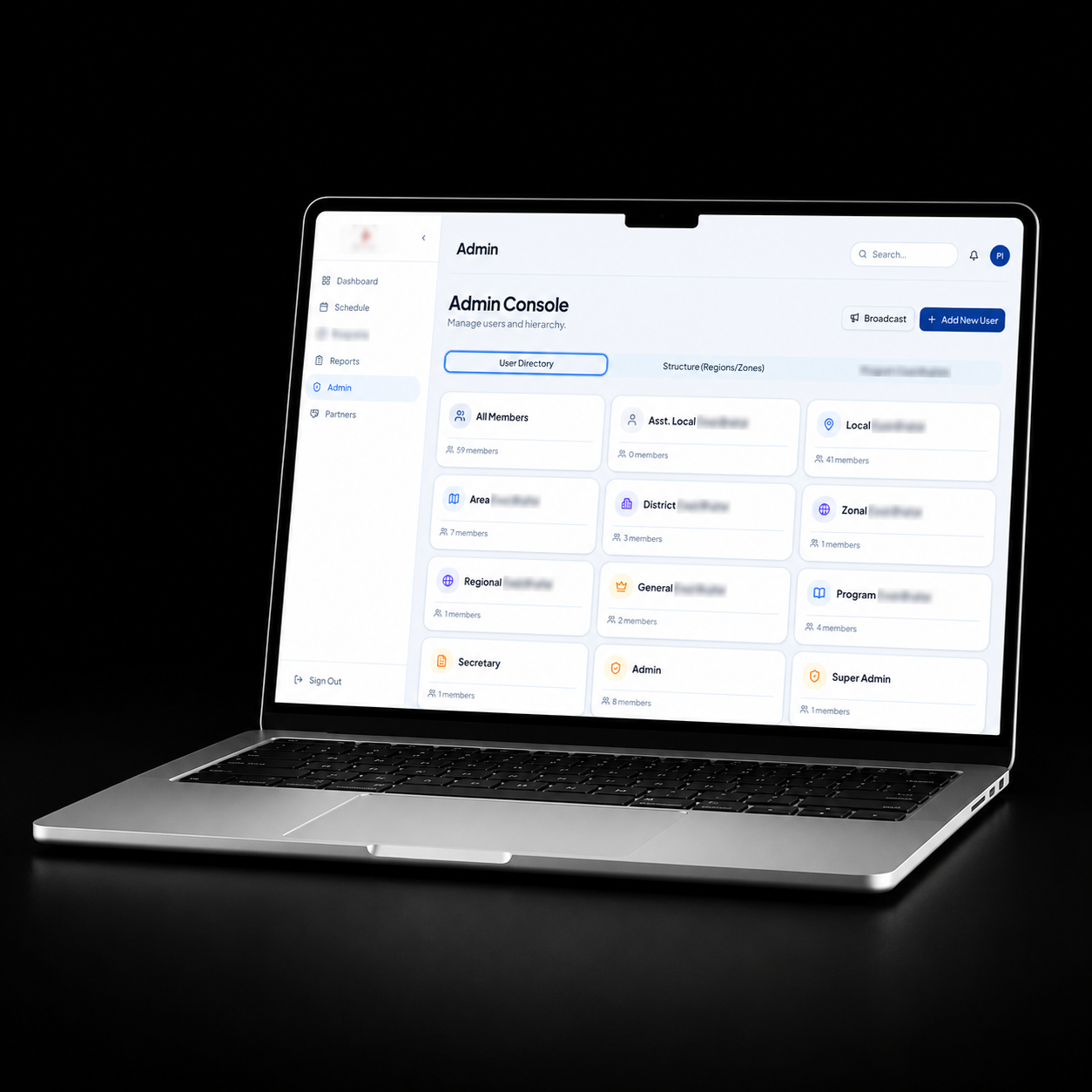
Admin management built for scale.

The admin panel was the most complex part of the system to design. It needed to give super-administrators total control without overwhelming them — and provide granular enough permissions to handle a real organisation's political and operational nuances.

IIMS Reports Module

From end-of-day reports to live visibility.

The monitoring module was the single biggest operational unlock for senior administrators. Previously, they could only know what was happening on-site by physically being there or waiting for a phone call.

IIMS gives them a live dashboard — programme status, attendance, active participants, flag alerts, and anomaly indicators, all updating in real time. If something is off, the system surfaces it immediately.

I designed three dashboard views: a summary view for executives who need a quick read, a detail view for programme managers who need to act, and a monitoring view for operational staff managing the day-to-day.

No more double-bookings. No more surprises.

Scheduling was the most painful manual process in the organisation. Staff were being assigned to conflicting programmes, rooms were being double-booked, and last-minute changes cascaded into chaos. The scheduling engine in IIMS was designed specifically to eliminate all of that.

  • Auto Conflict Detection: Clashes flagged before they're confirmed.
  • Recurring Events: Repeating programmes set once and maintained automatically.
  • Live Change Propagation: Reschedule one event and all linked tasks update instantly.

IIMS Schedule - Calendar View

Accountability built into every assignment.

The task allocation unit replaced the informal verbal briefings that had been the norm. Every task now has an owner, a deadline, a priority, and a chain of accountability from assignment through to sign-off.

Staff receive in-app notifications when tasks are assigned. They acknowledge, update progress, and complete tasks through the system — giving managers live visibility without needing to ask for updates.

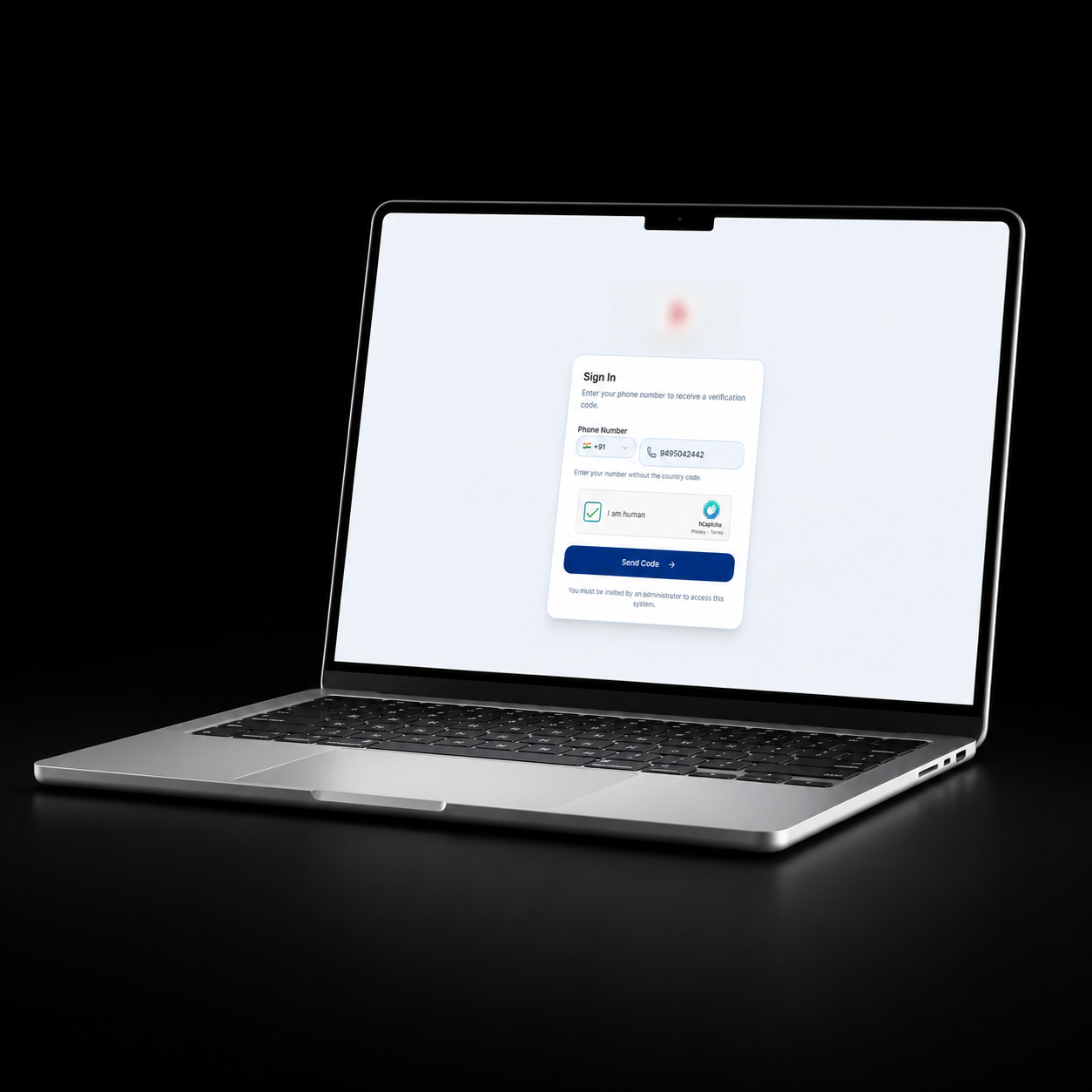
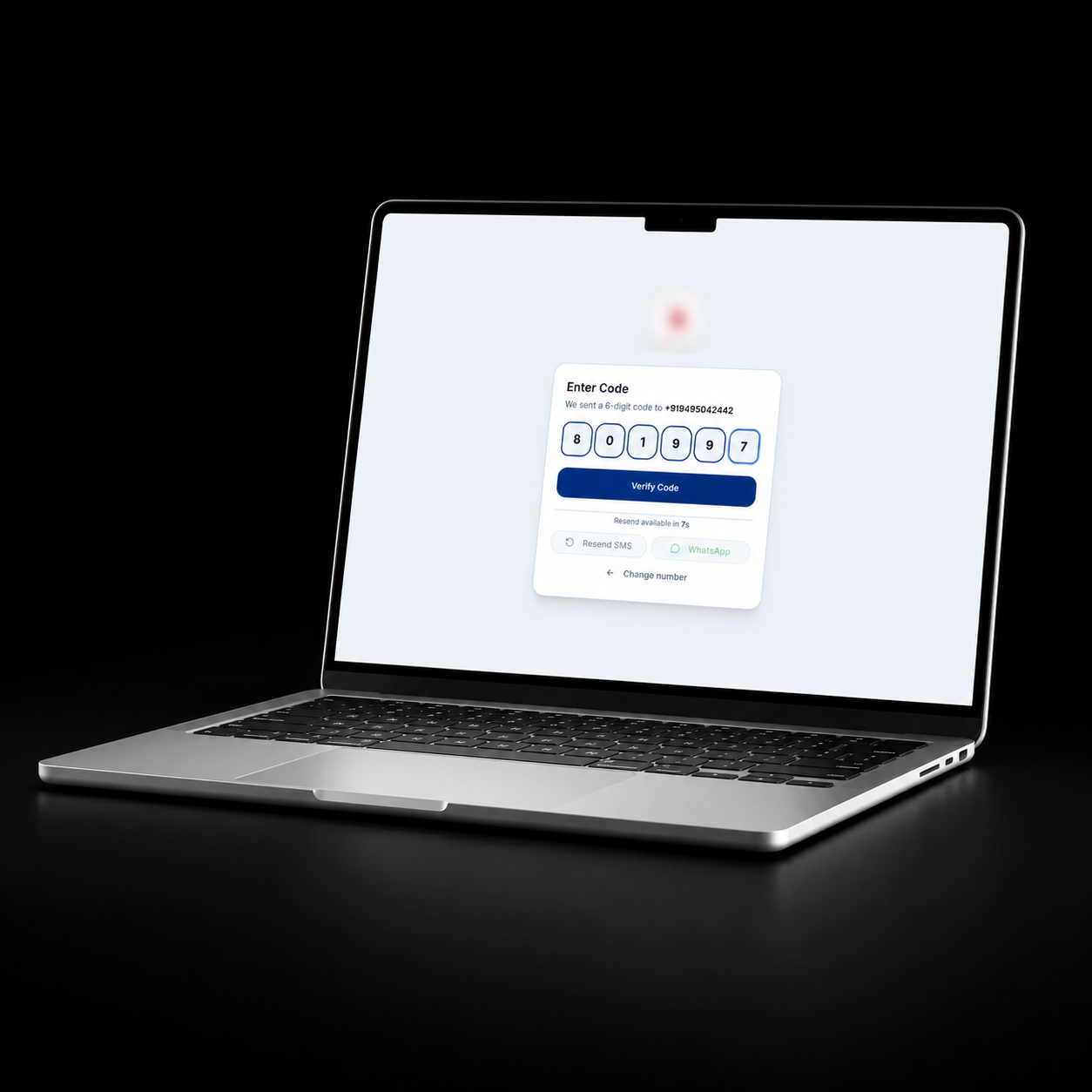
IIMS Login Area

06

UX Design Process

Designing for people who aren't designers.

The users of IIMS range from tech-comfortable administrators to field staff who may use a computer only a few times a week. The UX challenge wasn't just complexity — it was designing a system powerful enough for advanced administrative work while remaining approachable for every role.

I ran three rounds of user testing on-site with actual staff, iterating based on what I observed — not what people said in interviews. Real confusion in real situations drove every design revision.

  • Phase 01 Site Immersion: 2 weeks on-site observing workflows, shadowing staff, attending operational meetings
  • Phase 02 Journey Mapping: Full workflow maps for every role — from task assignment to report generation
  • Phase 03 Lo-Fi Wireframes: Paper and Figma wireframes reviewed with stakeholders — 3 iterations before hi-fi
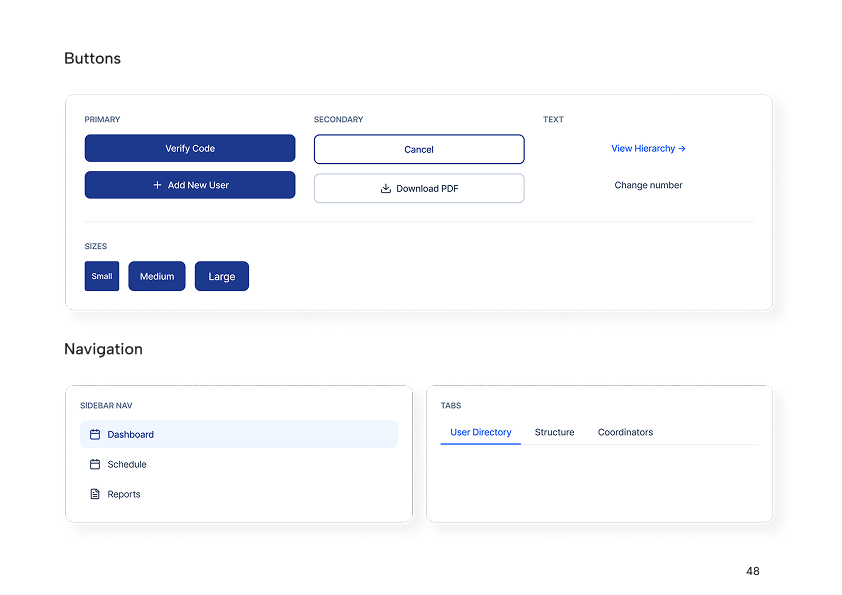
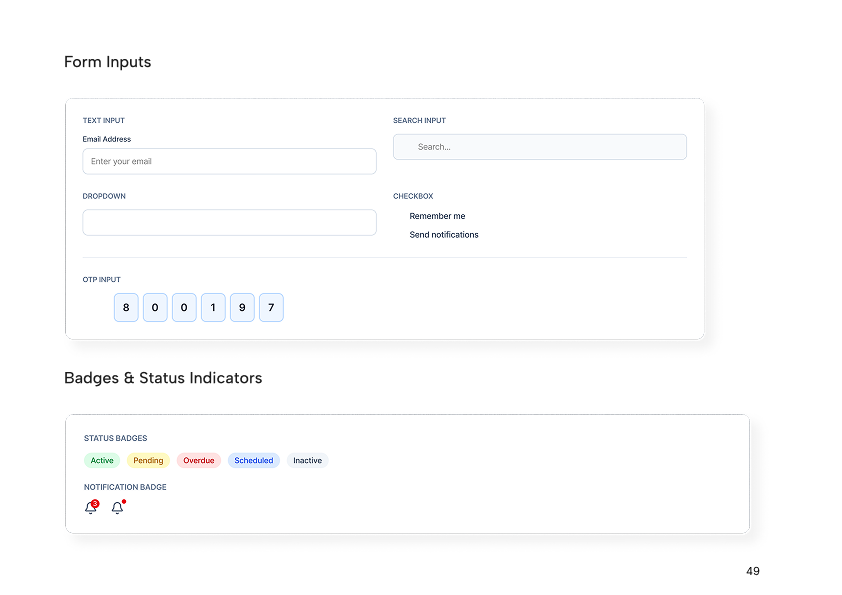
  • Phase 04 Hi-Fi Design: Full Figma design system — typography, components, states, responsive layouts
  • Phase 05 On-Site Testing: 3 rounds of usability testing with real staff in real operational conditions
  • Phase 06 Build & Launch: Development, QA, staff training, and staged rollout across the organisation
07

Development & Outcome

Engineering a system that doesn't break.

The development of IIMS presented challenges that went well beyond typical web application work. Real-time data sync across multiple user sessions, a permission system with dozens of edge cases, and a scheduling engine that needed to account for complex organisational rules — none of these had off-the-shelf solutions.

I built IIMS on a modern full-stack architecture: a React frontend with a carefully designed component library, a Node.js/Express backend with RESTful APIs, and a PostgreSQL database with a schema designed specifically for this organisation's data model.

Real-time features were implemented via WebSocket connections — the monitoring dashboard and task updates push live to connected clients without manual refresh. The audit logging system was built as a database-level trigger system to ensure nothing could be bypassed.

"The real-time monitoring module alone required rebuilding my state management approach three times before it was performant enough. When it finally worked the way the organisation needed, it was worth every iteration."

— Pete Issac Abraham

An organisation that can finally see itself.

IIMS went live after a staged rollout across the organisation, beginning with the administrative core and expanding to operational staff over a period of four weeks. The transition from the old way of working to the new system took less than a month.

  • 100% Programme Visibility: Every programme now visible in real time to authorised administrators.
  • 0 Spreadsheets in Operations: All operational data consolidated into IIMS. No parallel systems. One source of truth.
  • <1mo Full Adoption: The entire organisation transitioned within a month of launch. Staff at all levels adopted the system quickly.

"For the first time, we can see what's happening across the entire organisation without picking up a phone. IIMS didn't just give us software — it gave us operational clarity."

— Senior Administrator, Client Organisation

What's Next

Want to see more?

Explore my other projects to see different approaches to problem solving and UI/UX design.

View All Projects
Pete Issac Abraham